Data Stations
The Secure Foundation for Fast, Repeatable Data Transfers
Organizations in biotechnology, pharmaceutical research, healthcare, life sciences, financial services, and enterprise IT transfer data between the same platforms every day. Whether moving research data into AWS, sharing files with external partners, or distributing datasets across internal teams, the technical connection points rarely change.
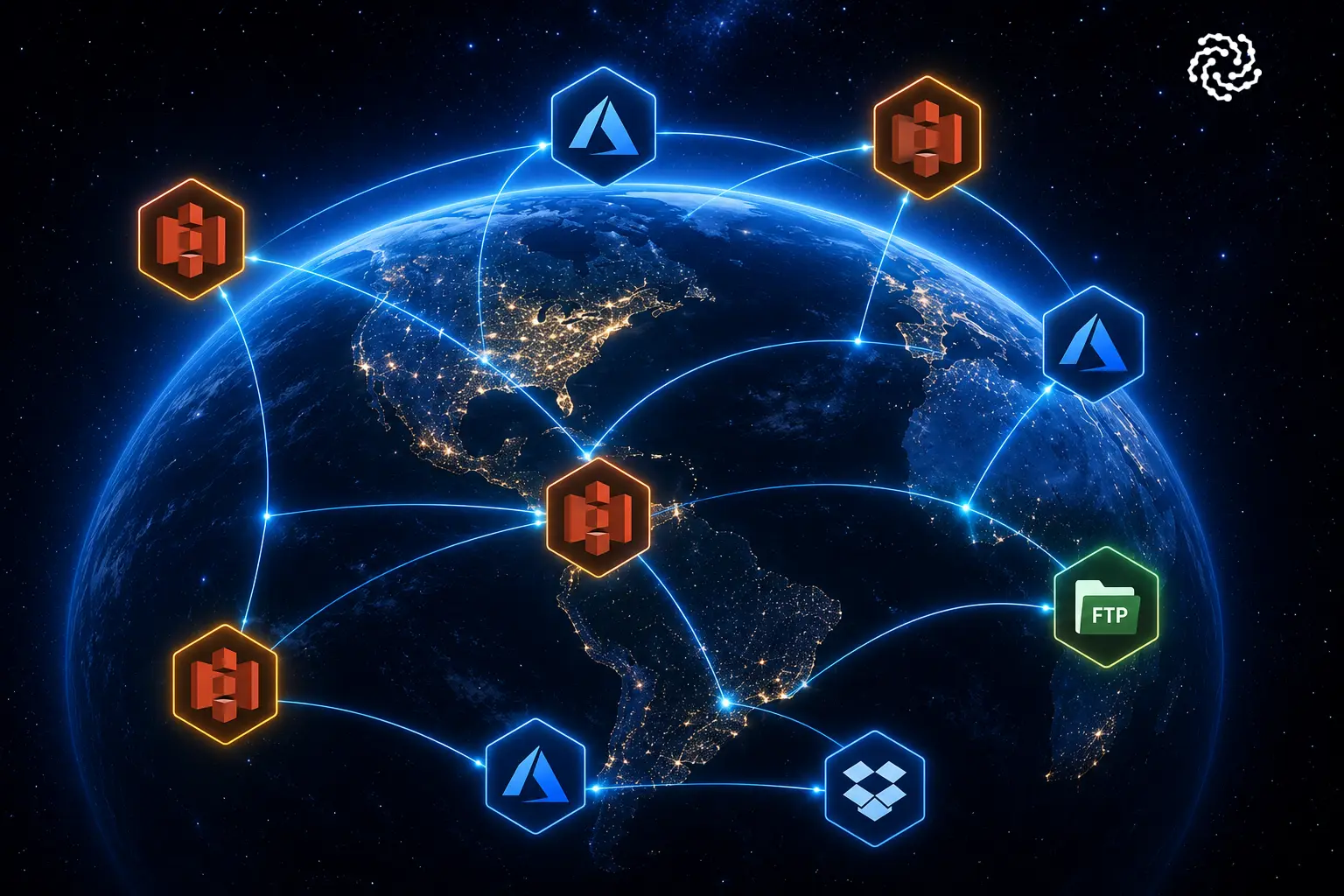
MLADU Data Stations were designed specifically to solve this challenge.
Instead of repeatedly entering technical connection details for every transfer, MLADU allows organizations to securely create reusable Data Stations that can be selected and leveraged across multiple transfers. This approach improves security, simplifies operations, and dramatically accelerates the process of moving terabytes of data.
What Are MLADU Data Stations?
A MLADU Data Station is a secure, reusable representation of a data transfer integration point.
Each Data Station encapsulates the technical connectivity details required to access a specific storage platform, repository, application, or endpoint. Every Data Station receives a unique identifier and can be assigned a meaningful name and description to help users easily distinguish it from other integration points.
Examples of Data Stations may include:
- AWS S3 Buckets
- Azure Blob Storage
- Google Cloud Storage
- SFTP Servers
- Dropbox Repositories
- Internal Research Data Platforms
- Enterprise Data Lakes
- Analytics Environments
Rather than requiring users to enter credentials and connection details every time a transfer is performed, MLADU securely stores and manages these details within the Data Station.
Example: Multiple Data Stations for the Same Partner
Imagine a biotechnology company that regularly exchanges data with a contract research organization (CRO).
The CRO uses multiple AWS S3 buckets for different projects:
Data Station #1
- Name: CRO Research Data Intake
- Description: Primary AWS S3 bucket for inbound genomic sequencing data
Data Station #2
- Name: CRO Clinical Trial Archive
- Description: AWS S3 bucket used for long-term clinical trial storage
Although both Data Stations connect to AWS S3, they may use different:
- Bucket names
- IAM credentials
- Encryption keys
- Access policies
- Storage locations
By assigning clear names and descriptions, users can quickly select the correct destination without confusion while maintaining strict separation of technical configurations.
Why Data Stations Are Critical for Security and Speed
Over years of supporting large-scale enterprise data transfers, MLADU has observed a consistent pattern:
- Most organizations repeatedly use the same storage platforms and integration points.
- Research teams routinely send data to the same data environments or storage platforms.
- Business units frequently exchange information with the same partners.
- Clinical operations teams often deliver datasets to the same regulatory and analytics environments.
Because these connection points are reused continuously, it is far more efficient to configure them once and securely leverage them again and again.
Improved Transfer Speed
Data Stations eliminate repetitive setup activities.
Instead of manually entering credentials, endpoints, access keys, and configuration details for every transfer, users simply select an existing Data Station and begin the transfer process.
This significantly reduces operational overhead and allows organizations to move data faster.
Enhanced Security
Perhaps more importantly, Data Stations separate technical access details from the people performing the transfer.
Users responsible for coordinating or approving transfers do not need direct access to:
- Access keys
- Credentials
- Connection endpoints
- Authentication secrets
- Encryption configurations
This separation of duties aligns with modern security best practices and reduces unnecessary exposure of sensitive technical information.
Organizations with stricter security requirements can even assign dedicated Data Stations to individual users or teams, providing fine-grained control over who can access specific transfer destinations.
Who Can Access Data Stations
MLADU follows a role-based access control model to protect integration details. Only two MLADU roles are permitted to view and modify Data Station configuration details:
Technical Admin
The Technical Admin is responsible for managing connectivity and ensuring successful integrations.
This role configures:
- Credentials
- Access keys
- Storage endpoints
- Authentication methods
- Connectivity settings
Technical Admins ensure that Data Stations remain operational and secure.
Portal Admin
The Portal Admin serves as the MLADU account super user.
As a backup administrator, the Portal Admin can also manage Data Station configurations when needed.
Standard Users
All other MLADU users are restricted to viewing only:
- Data Station ID
- Data Station Name
- Data Station Description
They cannot access or modify the underlying technical details.
Complete Audit Logging
To support compliance and security requirements, MLADU maintains detailed audit logs of Data Station modifications.
Organizations can review:
- Who made a change
- What was changed
- When the change occurred
This provides valuable visibility for governance, compliance, and operational oversight.
Public vs. Private Data Stations
MLADU provides flexible visibility controls for Data Stations.
Private Data Stations
By default, every Data Station is created as private.
Private Data Stations are visible only within your MLADU organization and can be selected by authorized users when creating transfers.
This approach supports most internal data transfer use cases and helps organizations maintain complete control over their integration points.
Public Data Stations
Organizations that collaborate extensively with external partners may choose to make certain Data Stations publicly available.
When a Data Station is designated as public:
- External MLADU users can discover it
- Only the Data Station ID, name, and description are visible
- Technical details remain protected and hidden
- Partners can easily select it as a transfer source or destination
This capability dramatically simplifies collaboration between organizations.
Example: CRO Collaboration
A Contract Research Organization (CRO) may publish a Data Station called:
Name: Customer A Clinical Trial Data Intake
Description: Secure destination for client-submitted trial datasets
Clients using MLADU can simply select the Data Station during transfer setup instead of manually exchanging technical specifications and connectivity details.
The result is faster onboarding, fewer configuration errors, and a better overall collaboration experience.
Available Data Stations
The number of Data Stations available to your organization depends on two factors:
1. Subscription Plan
Each MLADU subscription includes a predefined number of Data Stations.
This allows organizations to start with a cost-effective configuration while supporting common transfer requirements.
2. Additional Data Station Capacity
Organizations with more complex environments can purchase additional Data Stations as needed.
This enables MLADU to scale alongside your business without forcing organizations to pay for capacity they do not yet require.
Whether your organization manages a handful of transfer destinations or hundreds of integration points across research partners, cloud platforms, and business units, MLADU can grow with your needs.
Simplify Secure Data Transfers with MLADU
MLADU Data Stations are more than a convenience feature.
They provide a secure, scalable framework for managing data transfer connectivity across your organization and partner ecosystem.
By separating technical integration details from operational users, enabling reusable connection points, supporting public collaboration models, and maintaining comprehensive auditability, Data Stations help organizations transfer data faster while strengthening security and governance.
If your organization regularly transfers large datasets between cloud platforms, research partners, business units, or customers, MLADU Data Stations can dramatically simplify your operations.
Start Your Free Trial Today
Ready to see how simple enterprise data transfers can be?
Start your free MLADU trial and experience secure, high-performance data movement with built-in concierge support.
Or schedule a personalized demo to see how MLADU Data Stations can accelerate collaboration, improve security, and simplify the transfer of terabytes and petabytes of data.
Topics
ON THIS PAGE
ASK A QUESTION
Can't find what you're looking for? Our team is here to help.


Try MLADU Free
Experience the power of AI powered data transfers.

No credit card required